
QR CODE ON WINDOW
Since the Industrial era, marvels designed to attract attention and encourage customers to enter a store have been a shop window’s ever-evolving art form. By enhancing consumer experience and simplifying your offline site to your online platforms, QR Codes can now help you achieve a greater marketing return on investment.
QR Code on Social media: the ideal tool to connect the offline and online worlds
A quick look back at window shopping
QR Codes can enhance the shopping experience
Evaluate Your Results
The Advantages of QR Code on Window
1. A quick look back at window shopping
The first significant holiday window display, featuring images from “Uncle Tom’s Cabin” by Harriet Beecher Stowe and a collection of porcelain dolls, will be unveiled at Macy’s in 1874. Before this, shops all over the US and in London, UK, started inexpensively installing big glass windows on their storefronts thanks to the Industrial Revolution, which made plate glass widely available, and the Consumer Revolution, which heralded the beginnings of heightened demand for consumer goods. These are the actions that paved the way for window shopping as we know it today.
The technique of using window displays to entice customers into stores developed, and Saks Fifth Avenue had the brilliant notion, in 1914, to create excitement around their holiday window shop exhibit with the “window unveiling.” It is live-streamed on their website and seen by viewers all over the world because it continues to attract so much attention. Lord & Taylor switched to exclusively decorative window displays in 1938, leaving behind product-only displays.
Window shop displays are still common during the holiday seasons in many High Streets today, despite the rise of online shopping. The use of smartphones has forced retail display designers to concentrate on developing a more mobile-friendly marketing approach, and QR Codes are the ideal tool to connect the offline and online worlds.
2. QR Codes can enhance the shopping experience.
Due to Web 2.0 and the emergence of the third screen (smartphones), it’s critical for businesses to not only innovate their marketing strategies but also engage consumers on the most widely utilized platform.
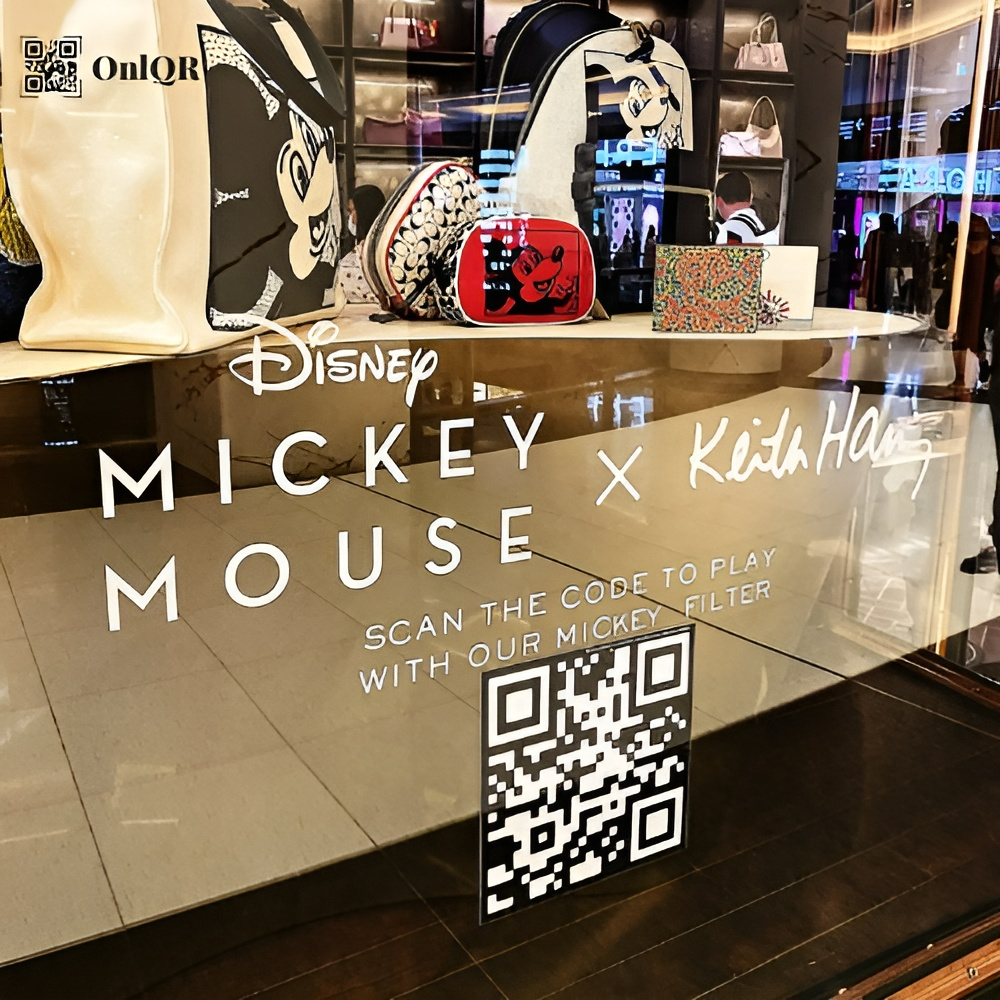
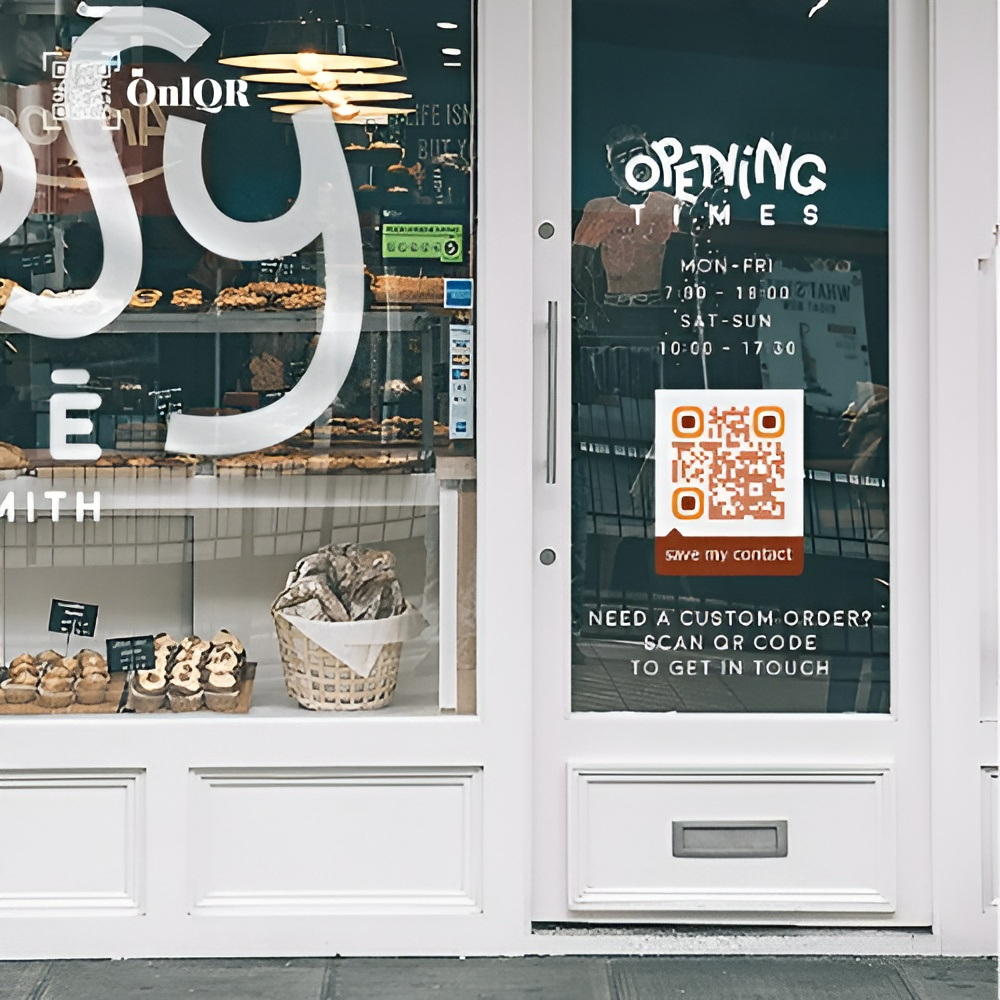
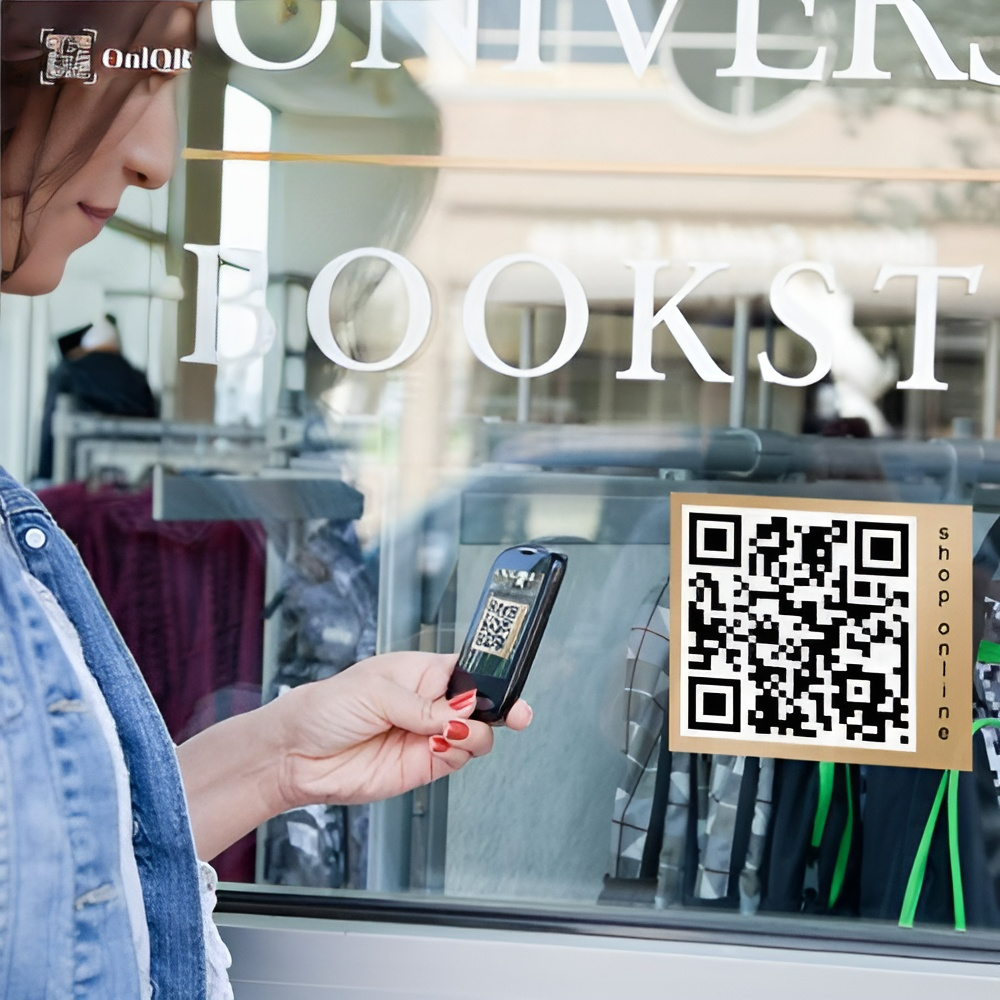
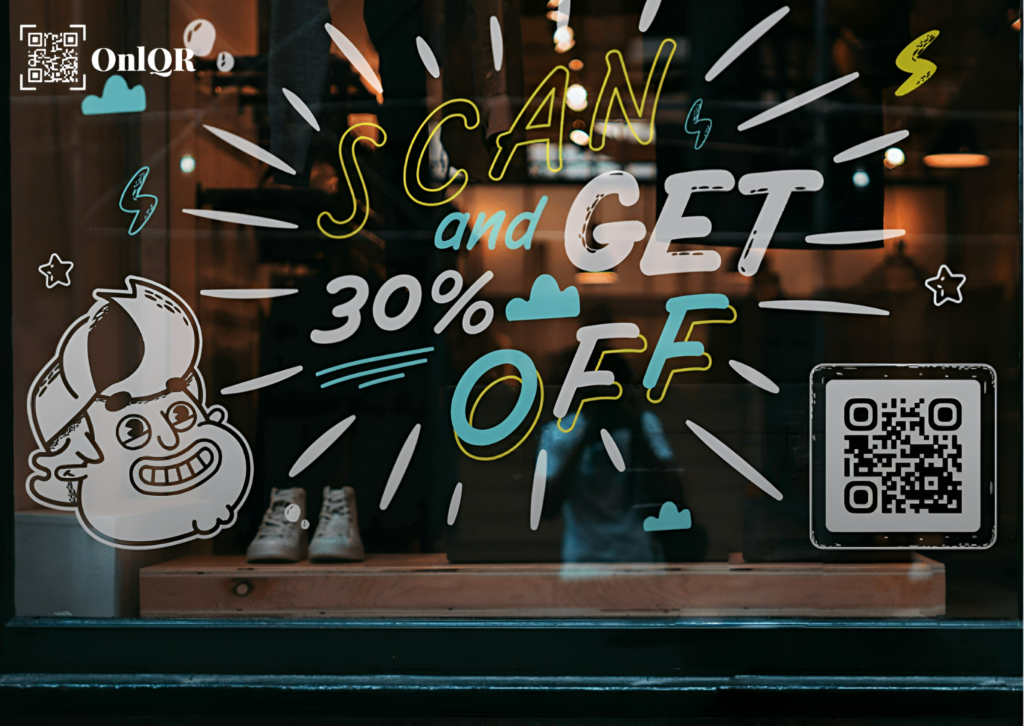
Imagine integrating your offline retail locations with your web content. With a mobile-friendly design out of the box, QR Code Generator ups the ante for your storefront displays. The window has always been meant to catch attention, spark intrigue, and create a stir. Make them even more interesting by including a QR Code, which enables bystanders to interact with your goods and services even before they enter your store.
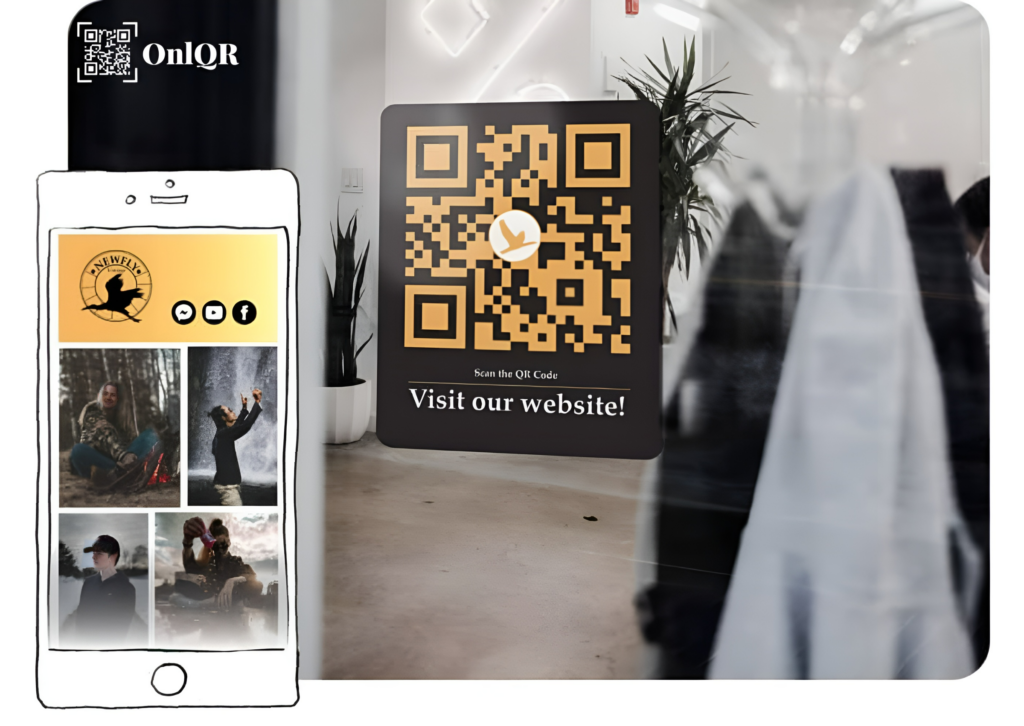
By adding an Image Gallery QR Code to your window display and a CTA urging people to learn more about what you have to offer, you can give your clients a mobile catalog in the palm of their hands without incurring additional printing costs. You may upload a gallery’s worth of images with this QR Code, and users can then zoom in, save, and even share them with their loved ones. Transparency is the new norm in this day and age, so use a Video QR Code to take customers on a tour of your supply chain and showcase your ethical approach to obtaining resources. Alternately, you may use our Dynamic URL QR Code to add a Button that links to any landing page and a Business Page QR Code to share your story, your opening hours, or additional retail locations.
3. Evaluate Your Results
The tracking function, which compiles statistical data, is essential for enhancing your marketing campaign by identifying the successes and failures of your QR Code. You will gather information about the location, date, time, device, and operating system utilized for each scan in addition to the frequency and uniqueness of scans. You will always be aware of the performance success of your QR Code thanks to this real-time data. Learn more about all the advantages of using our tracking tool by visiting this page.
Top Tips for QR Codes on Shop Window
You no longer have to offer the QR Code a boring prescriptive approach because the displayed image no longer has to adhere to a monochromatic restriction. With a range of artistic tools, you can now create it to match your company or your very own identity. Here is a guide to some of the tools available to you.
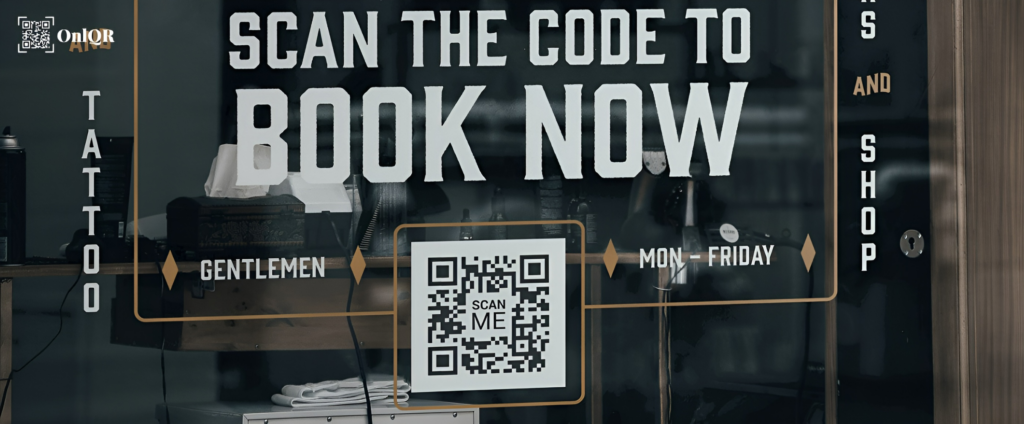
1. Include guidelines
Printing QR Codes without a brief description of what the consumer would benefit or learn by scanning one is a common error committed by QR Code users in the past. If you don’t encourage customers to scan your Code, all of your marketing efforts will be for nothing.
2. Frame it
Your QR Code can enhance your imaginative design by using one of our frames that you can customize. You will be presented with a large selection of pre-made frames with various Call to Action (CTA) texts and color options while creating your code. You can further customize if you wish to include individualized information by selecting a different shape, a different icon, or even adding your own text. Visit this page to view our guide to QR Code frames.
3. Incorporate a logo into your QR Code.
You can decide to include a brand image or company logo at the middle of your QR Code after choosing a frame option and customizing the size, color, and form of your Code. So that QR Codes may continue to be scanned, our system automatically determines the optimal and largest size for your logos, so you do not have to bother about making the proper adjustments.
4. Keep your creations.
Use the same, branded QR Code layout without worrying about manually rebuilding an outdated one. You may save all of your designs as templates with QR Code Generator PRO so that you can use them for all of your marketing and customer service initiatives.
5. Adaptable URL
Every Dynamic QR Code comes pre-loaded with a random short URL that, when scanned, takes the user to any page they want. The short URL can be tailored to your preferences, for example utilizing the name of your business to help you stand out from rivals and gain greater user confidence. If you want to edit your short URL, follow these instructions.
6. Verify prior to printing
A QR Code should be printed at least 2 x 2 cm (0.8 x 0.8 in) in size on all marketing materials. You can easily make it bigger from there, however, we do not advise going smaller because it would make your Code unreadable or even invisible. Large numbers of encoded characters, complex patterns with poor color contrast, or both call for a bigger printing size. You should conduct thorough field testing using a variety of smartphones and apps to make sure your Code is flawlessly legible. This will provide you the assurance that every user will be able to scan your Code.
Visit our Help Center page for additional details on how to use QR codes. Visit our blog for advice on how to build a creative QR Code for your shop window for the best results.
How can a QR code be made for your storefront window?
- Visit QR Code Generator and choose the kind of QR Code you want to display on your storefront window. To begin with, we advise using the URL QR Code.*
- Type the URL of your website.
- The creation of your QR Code is automatic.
- Add a frame and the “Scan Me” logo to your QR Code to further modify its appearance.*
- Choose colors that go with your personal taste or the branding of your business.
- To get your QR Code file in.jpg format, click “Download.”
- Include your newly made QR Code in the layout of your window display.
*Sign up to select more QR Codes, including Event, Video, and Coupon, where you can update or replace all the text without printing a new QR Code. You may also add extra text and images. You can upload your own logo and select from a selection of frames.
Link to any Landing page
The ideal method of connecting to your digital platforms. With this specific type of QR Code, you may simply update or change the link at any moment, even after printing.
Link to any Landing page
The ideal method of connecting to your digital platforms. With this specific type of QR Code, you may simply update or change the link at any moment, even after printing.
View QR Codes in Action on Store Window
If you’re still undecided about including QR Codes into your window shopping, perhaps the following examples from fictitious firms can encourage you to be imaginative and creative by enhancing the interactivity of your storefront with these ingenious Codes.
Retailers
Elle Boutique placed a Coupon QR Code on their storefront display since discount offers from retailers are some of the most well-liked techniques to draw leads. In order to receive even more in-store discount offers, their CTA urged onlookers to scan and register their email addresses. Additionally, Elle Boutique may refresh their discount offers frequently to keep clients coming back for more savings thanks to the flexibility the Dynamic QR Code offers without having to reprint the Code each time.
Real Estate Firms
The Home Finders sought an easy, affordable way to improve their real estate marketing approach. But they intended to engage buyers’ desire to find their perfect home, not just showcase their available properties in a formulaic way. As a result, they displayed a Video QR Code on the shop window of their office, indicating that scanning it would allow users to search through a collection of movies that provided an overview of each listed property. This allowed potential buyers to get a clear notion of the property’s appearance before scheduling a showing.
Tourism
A picture is worth a thousand words, and World Trekker Tours made sure the Gallery QR Code spoke for their services by making a complete gallery of destination photographs accessible to everyone passing by their storefront window. The Code is a set of photos on a mobile-friendly page that makes it simple to zoom, view in full-screen, share on social media, and download to any device. People could now take a little bit of fantasy with them, and if they wanted to learn more or make a reservation, a personalized button takes them straight to the website of World Trekker Tours.
Towns & Culture
A group of residents had made the decision to start a podcast to talk about Springfield City’s folklore and tales. The Springfield town hall put up a sizable sticker with an MP3 QR Code linked to a different episode every month, seeing it as an opportunity to provide an entertaining, unofficial tour of the city’s most enigmatic locations. A personalized button directs users to the city’s official website, where they may download the entire podcast for listening on services like iTunes, Google Play Music, Amazon Music, and others.
Aerial and video photographers
Because everyone is constantly on the move, Through the Lens Studio is aware that making their services as portable and convenient as possible will increase their customer base. Customers were directed to a well-designed, mobile-friendly website that showcased samples of their work and allowed potential clients to immediately book their services by scanning a Dynamic URL QR Code they had placed on their shop window.
FAQ
You can now attach your QR Code to your store window, ideally as a sticker, and begin directing people to mobile-friendly content after downloading and printing it in the proper design, format, and size. You can use QR Codes to tell your narrative by linking to images, videos, testimonials, or your website’s about page in addition to letting you deliver useful, mobile-optimized information about your business. Additionally, they may assist you in improving your event promotion and possibly the expansion of your organization.
Static QR Codes are permanent once they are formed. However, you are unable to alter them, measure their success, or update them. On the other hand, dynamic QR codes let you make changes to them even after they have been printed, as well as keep track of statistics like the number of scans, the location, and the OS system being used. You get full access to all of our features during our 14-day free trial, so you can fully appreciate the advantages of incorporating QR Codes into your marketing and sales strategy. Your QR Codes can be scanned an infinite number of times once you have determined the best plan for your requirements. To learn more about our 14-day free trial, visit our Help Center.
By enhancing your marketing campaign, boosting your brand awareness, and streamlining internal procedures, QR Codes can provide you an extra advantage in developing a successful marketing and sales plan. Transparency in the supply chain is now more critical than it has ever been, claims Forbes. By simply displaying to customers or potential business partners where and by whom your items are created, QR codes can increase in-store traffic. This is possible with our Image Gallery QR Code or our Video QR Code, which lets you add a number of images to a gallery or movies to a playlist, helping you to improve B2B and B2C trust.